![logo_with_wordmark-1.svg]](https://goteamup-8507288.hs-sites.com/hubfs/logo_with_wordmark-1.svg)
If a customer has a monthly membership that doesn't have payment information saved, or they would like you to change how they are billed on their behalf, you can add a new payment method to their membership.
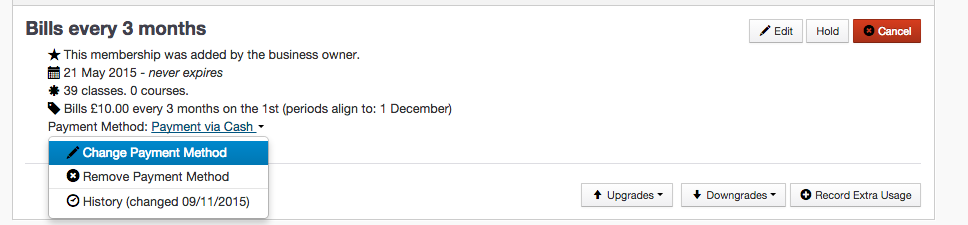
To do this go to their membership detail page (Customers >> Customer List >> Choose the desired customer >> Membership tab >> Choose active membership), click Payment method and you will see an option to add or change Payment Method.

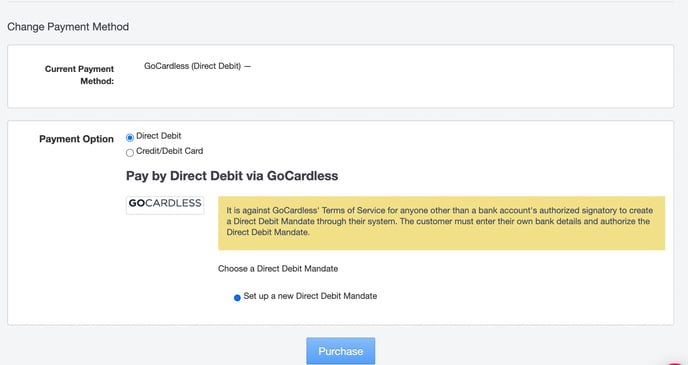
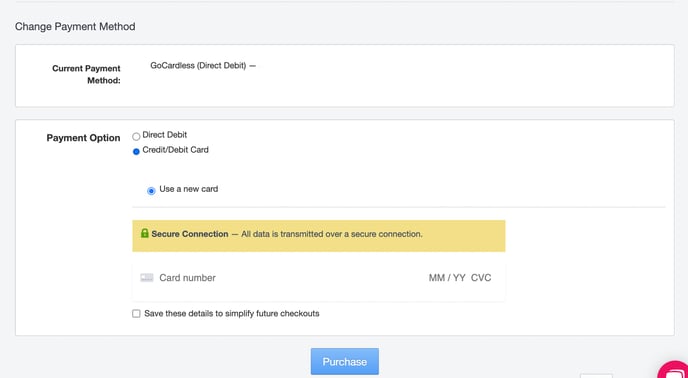
You will then be taken to a page where you will be able to add new payment information and choose from the available payment methods.