![logo_with_wordmark-1.svg]](https://goteamup-8507288.hs-sites.com/hubfs/logo_with_wordmark-1.svg)
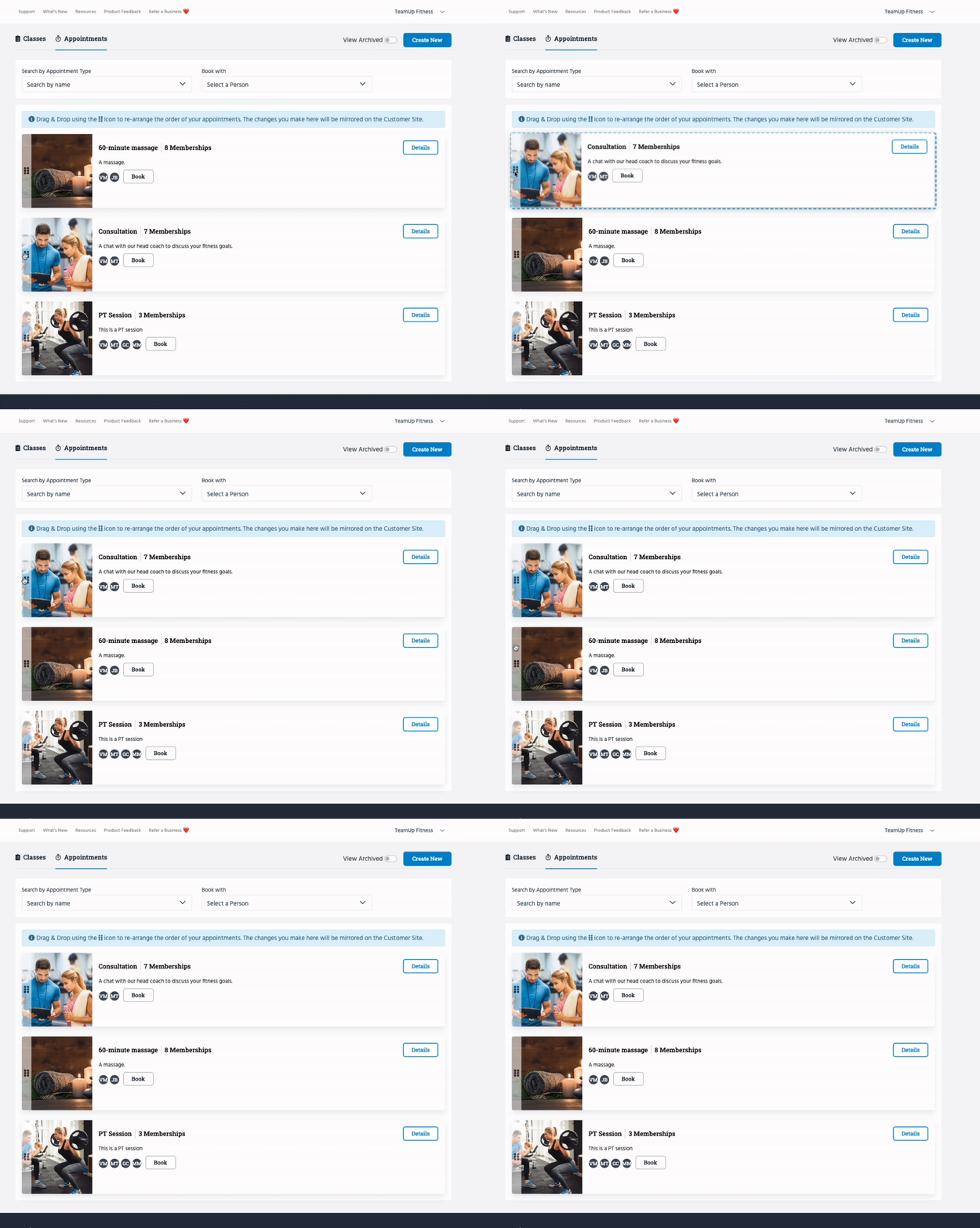
Appointment Types can be reordered. To do this, head to Classes/Appointments >> Appointment Types, click the dots next to an Appointment Type and drag to the desired position (as seen below):
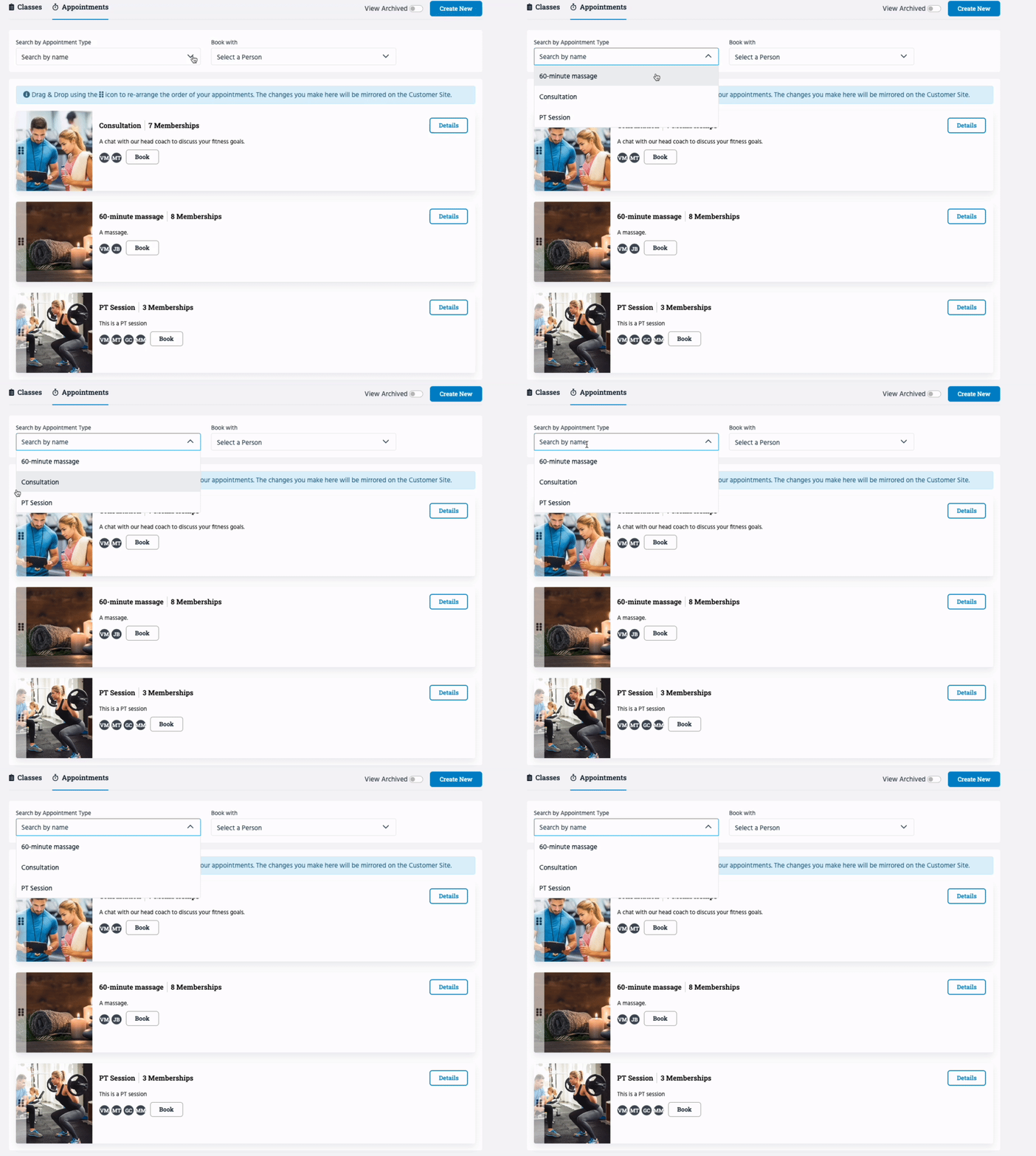
Please note that in dropdowns, Appointment Types are still ordered alphabetically.
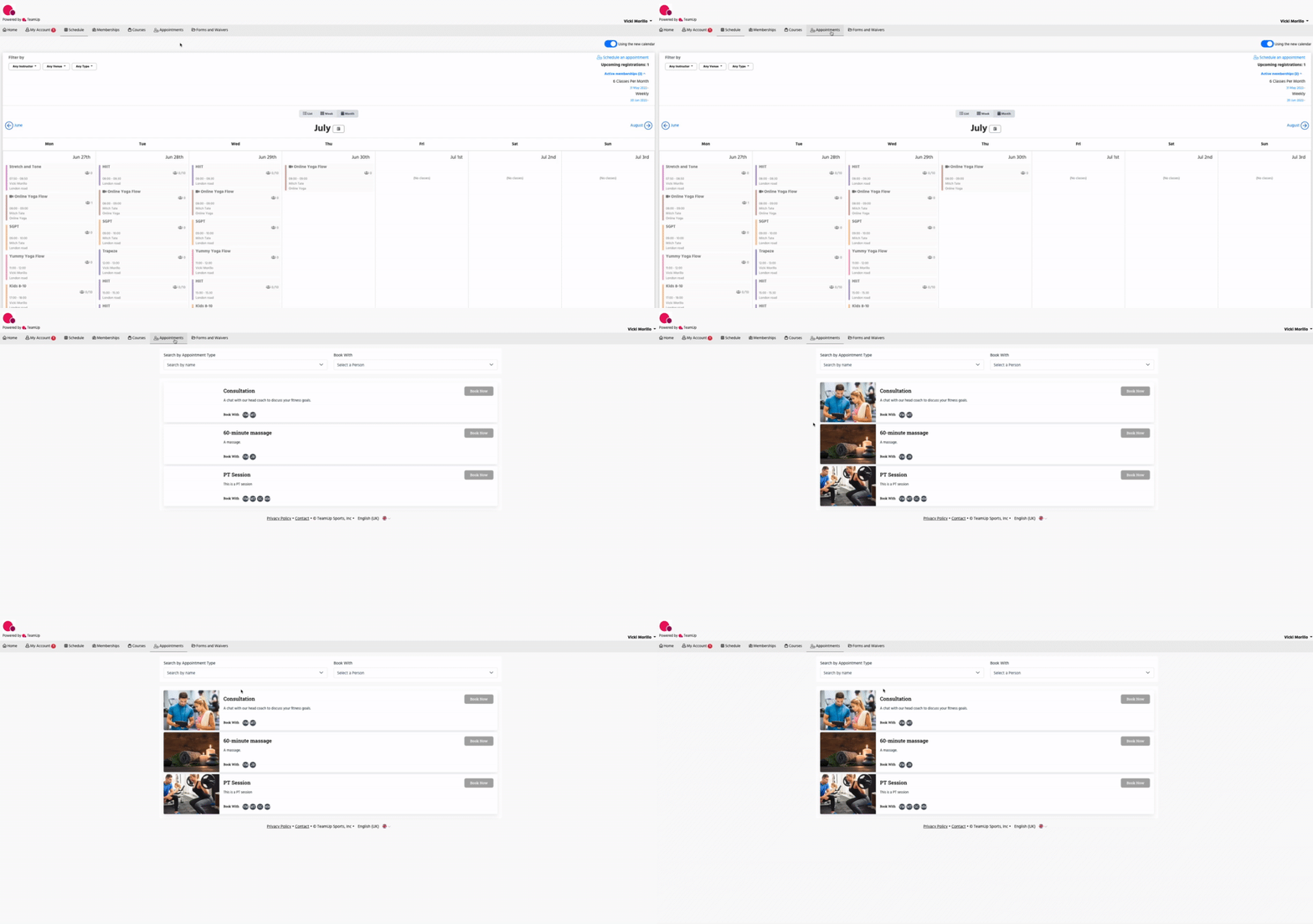
The new order is instantly reflected on your Customer Site.
Jump to:
How to set up an Appointment Type