![logo_with_wordmark-1.svg]](https://goteamup-8507288.hs-sites.com/hubfs/logo_with_wordmark-1.svg)
Head to Classes/Appointments >> Class Types and click on the desired Class Type.
From here, you can:
- Edit the Class Type details
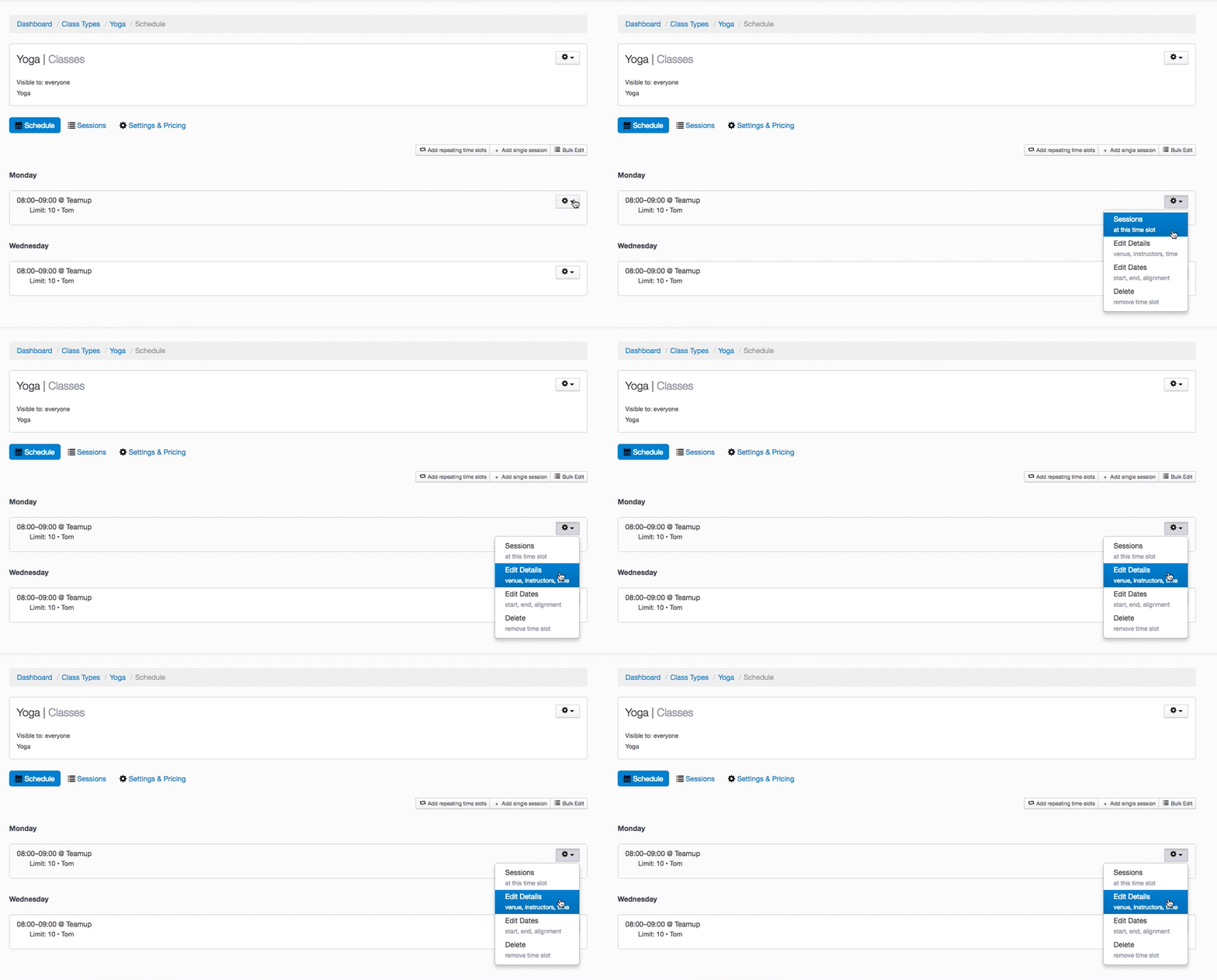
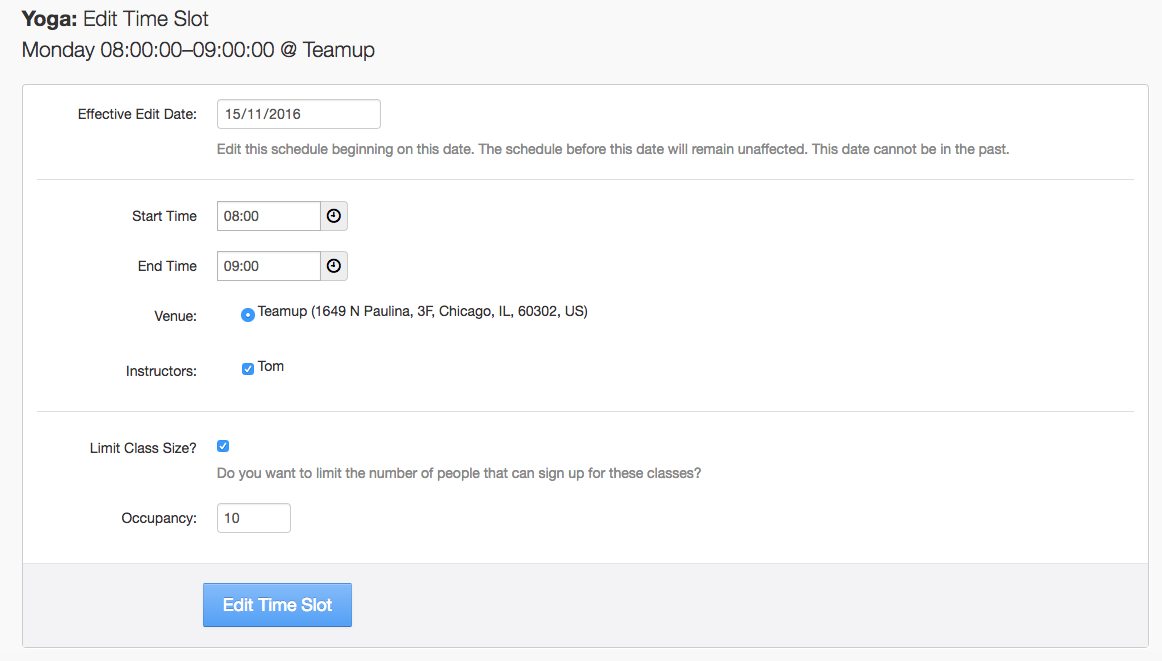
- Edit the details on each time slot
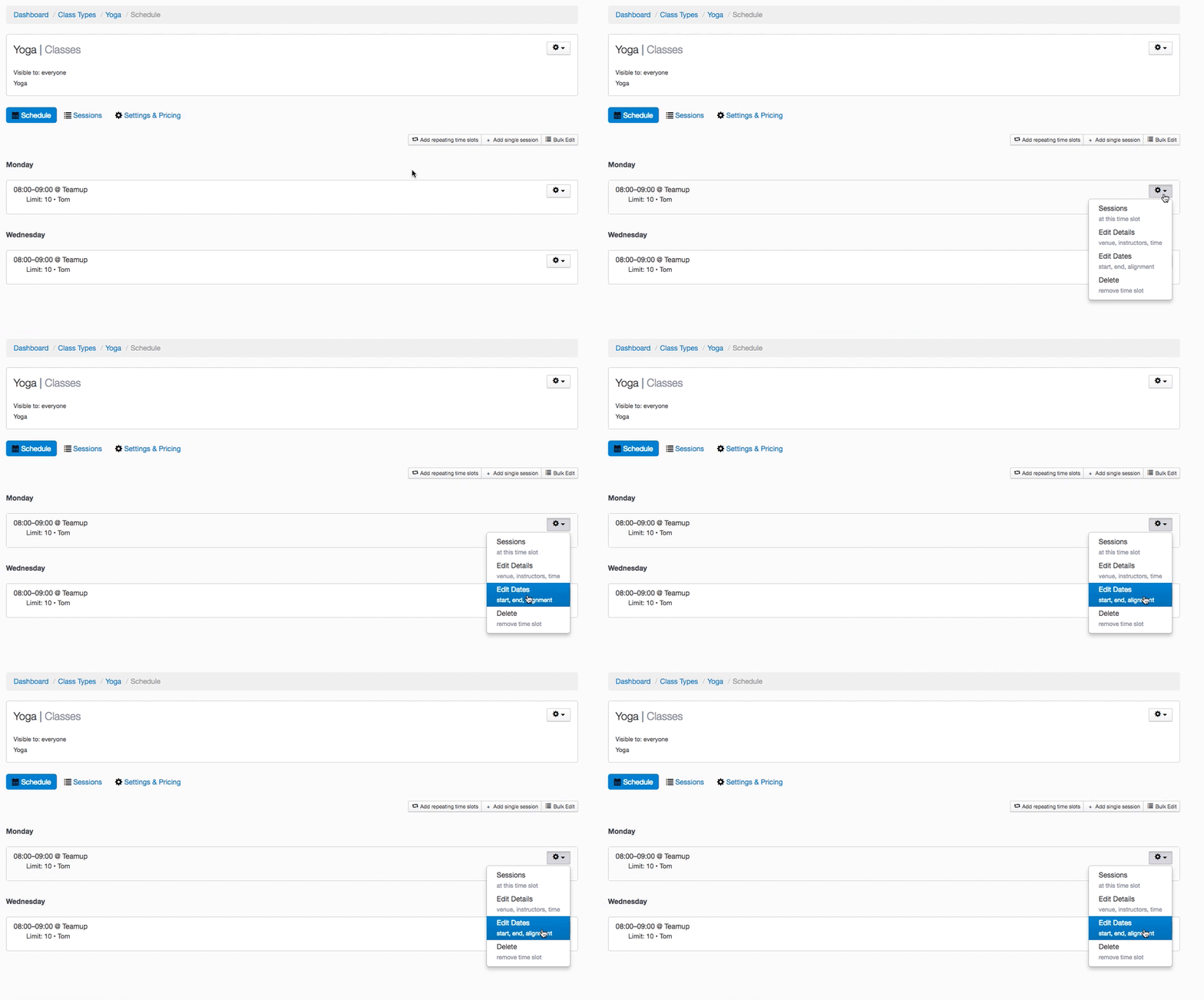
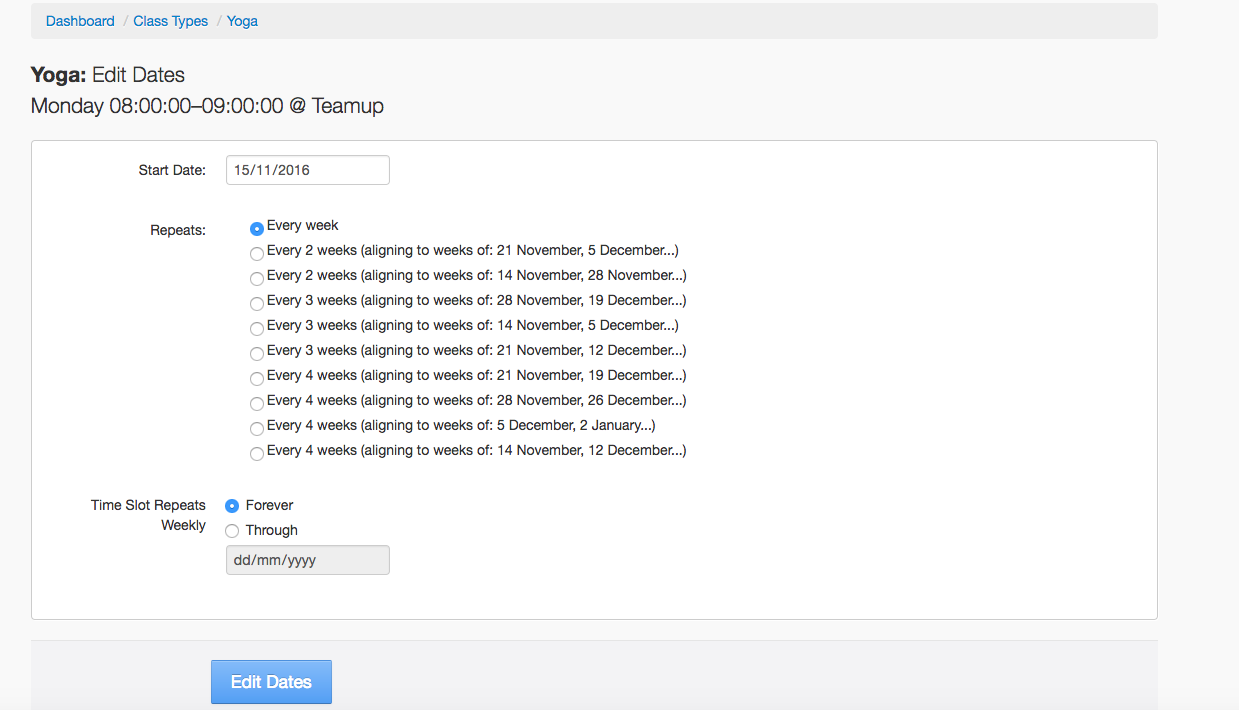
- Edit the start and end dates of when each time slot schedule runs
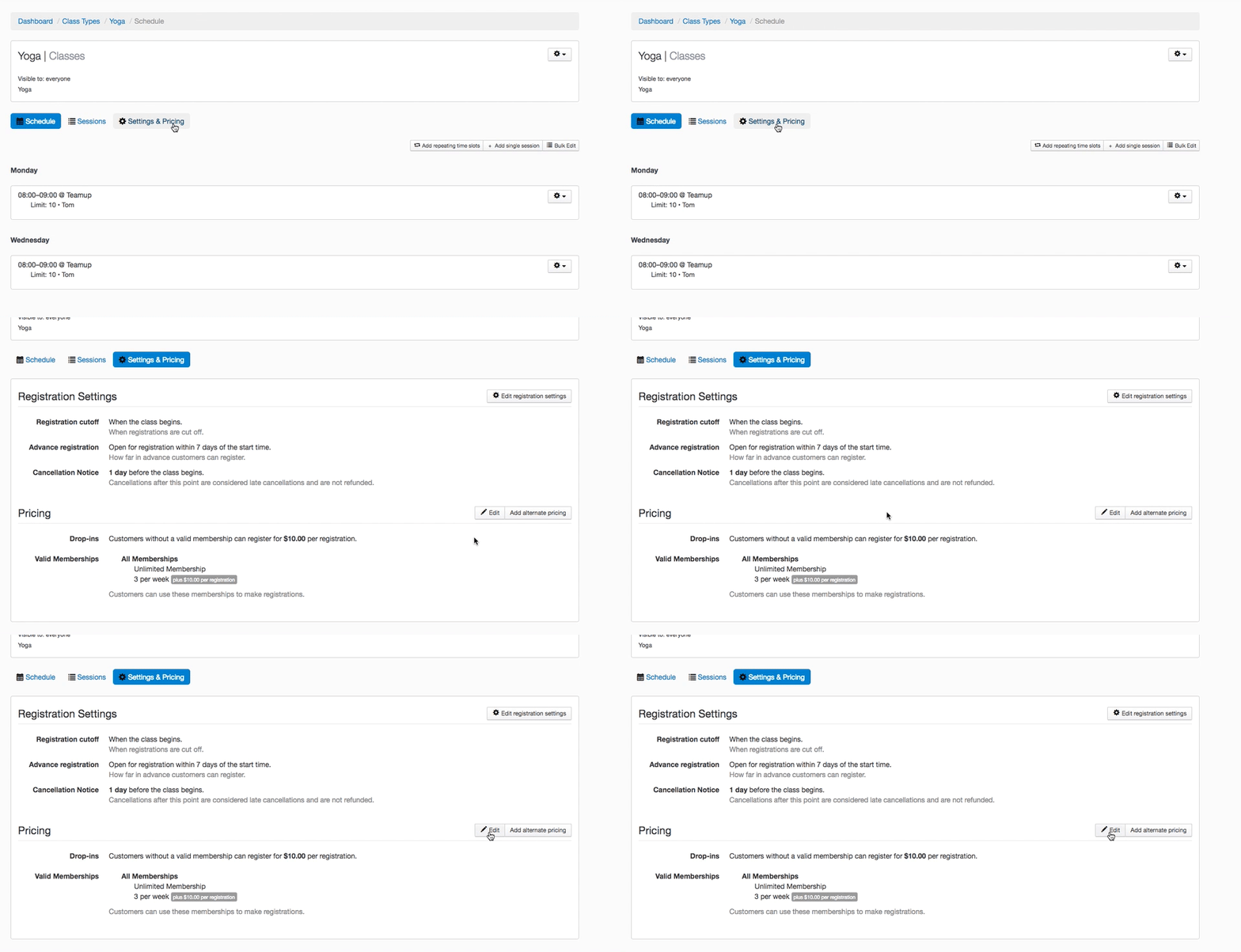
- Edit the Class's drop-in price and alternate pricing
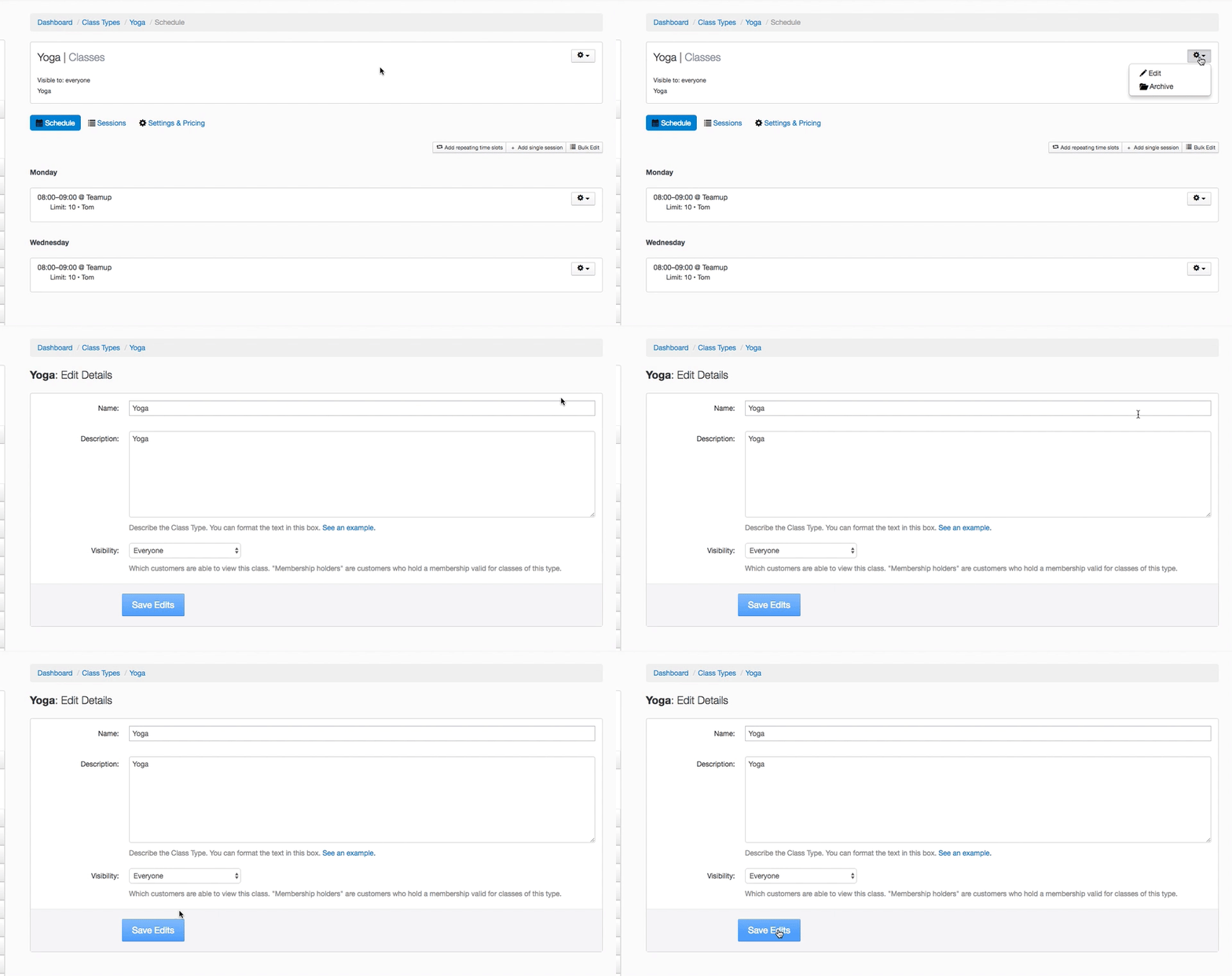
Edit the Class Type details
Edit the class name, description, and visibility.
Edit the details on each time slot
Edit the Venue, Instructor, Times, and Class Size Limits.
Edit the dates of when each time slot schedule runs
Edit the Class's drop-in price and alternate pricing
Jump to: