![logo_with_wordmark-1.svg]](https://goteamup-8507288.hs-sites.com/hubfs/logo_with_wordmark-1.svg)
You can easily send customers an automated email after they attend their first session with TeamUp's pre/post class/appointment notification.
Learn how to set up a pre/post/milestone notifications here.
The notification's options can be configured to cater to multiple scenarios.
You can choose the class/appointment type, the venue, the membership the customer used to book the session, and the customer's attendance status.
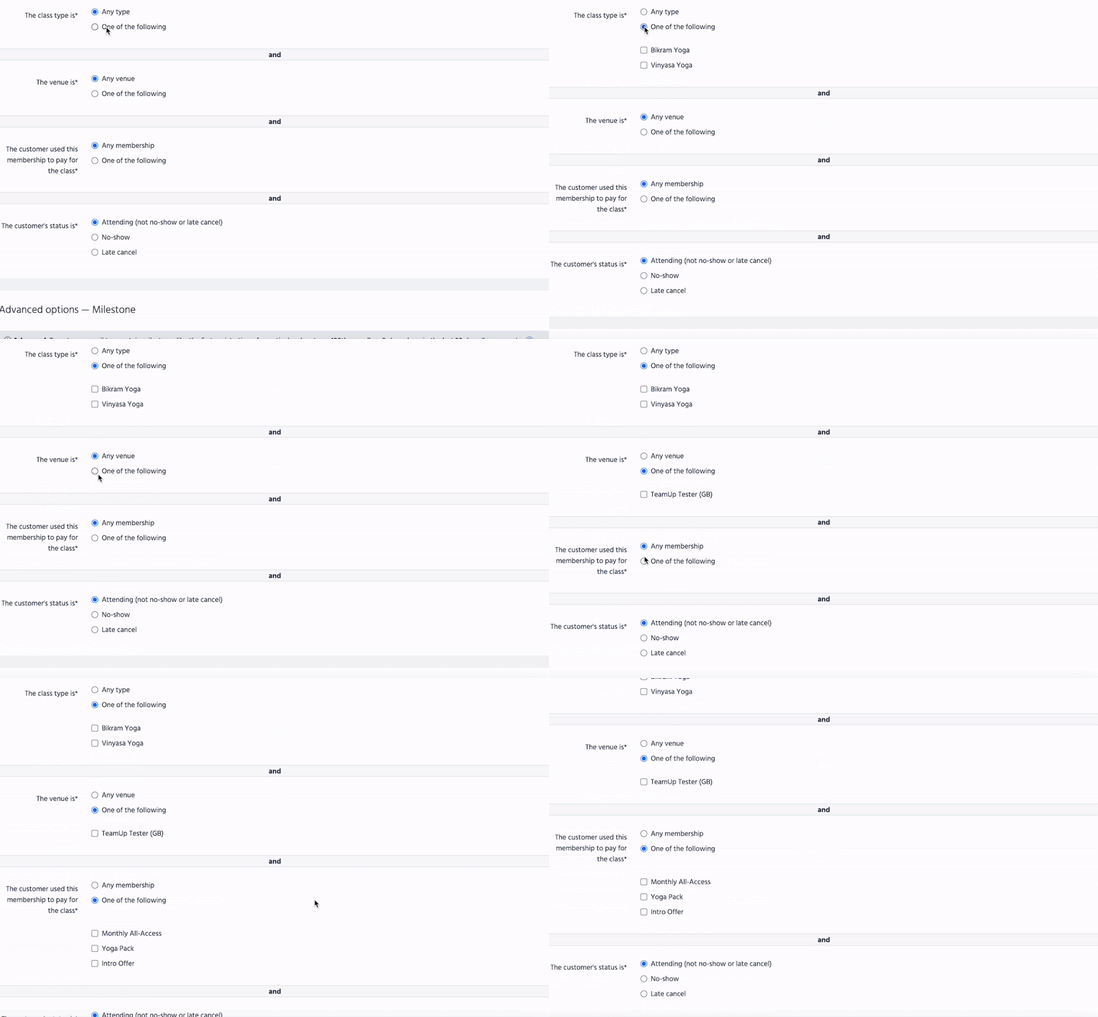
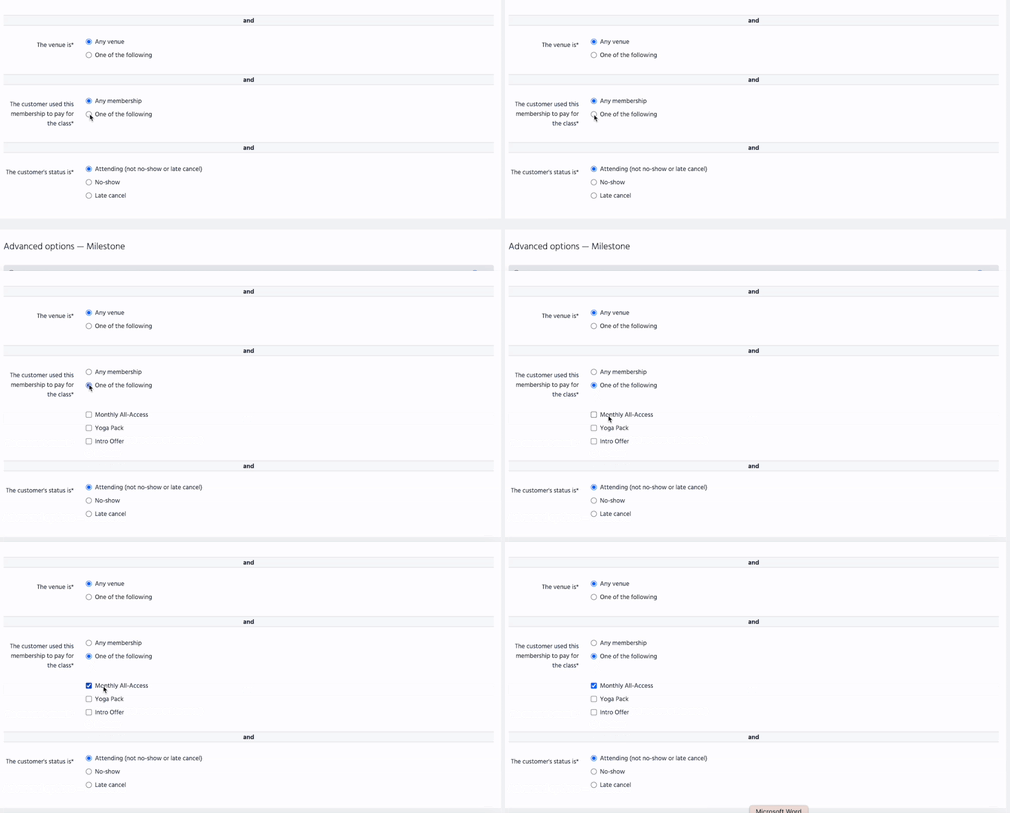
To email customers who used a specific membership to book the session, select a specific membership or memberships, as seen below:
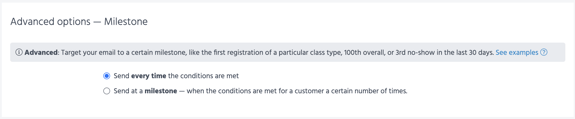
You can also configure when this email should be sent:
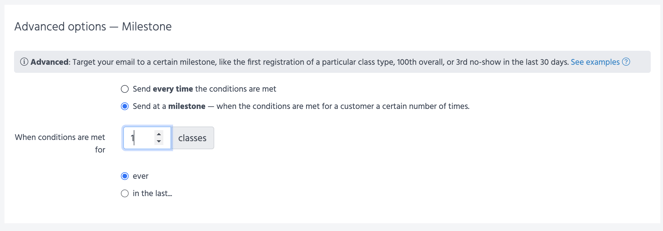
If you wish to email customers after their first session, you'll need to configure the advanced options as seen below: