![logo_with_wordmark-1.svg]](https://goteamup-8507288.hs-sites.com/hubfs/logo_with_wordmark-1.svg)
To experience TeamUp as your customers do, you'll need to create a customer account for your own business.
You can easily do this by following the steps below:
-
Create a customer profile for yourself, using the same email address you use for your Staff account.
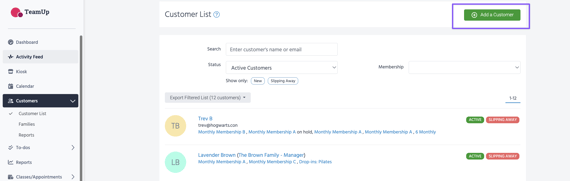
This can be done using your business link under Customer Experience >> Customer Site or by adding yourself as a customer via Customers >> Add a customer.
If you can't remember which email you're using for your staff account, head to Staff to check.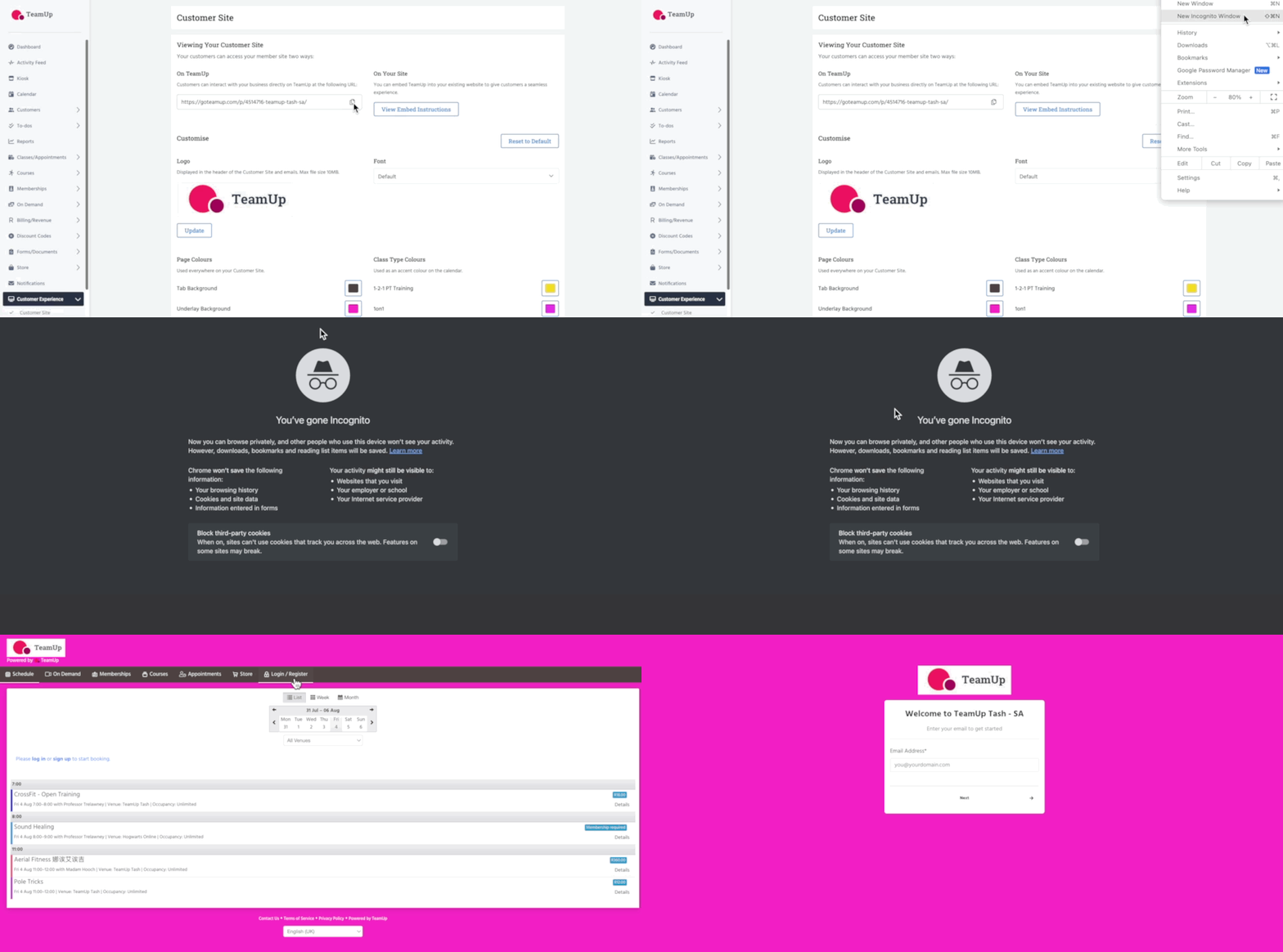
💡 Using an incognito window provides a separate browsing environment, isolated from the user's regular browser session
2. Once you've created the account, you'll receive an email with a link to accept the invitation to manage your account.
Click the link and follow the steps to log into your customer account.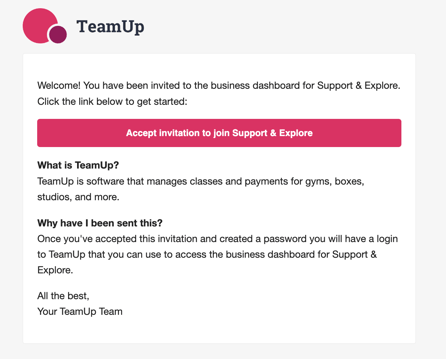
To do this, head to the top right corner to toggle between the accounts.
Switch from business to customer: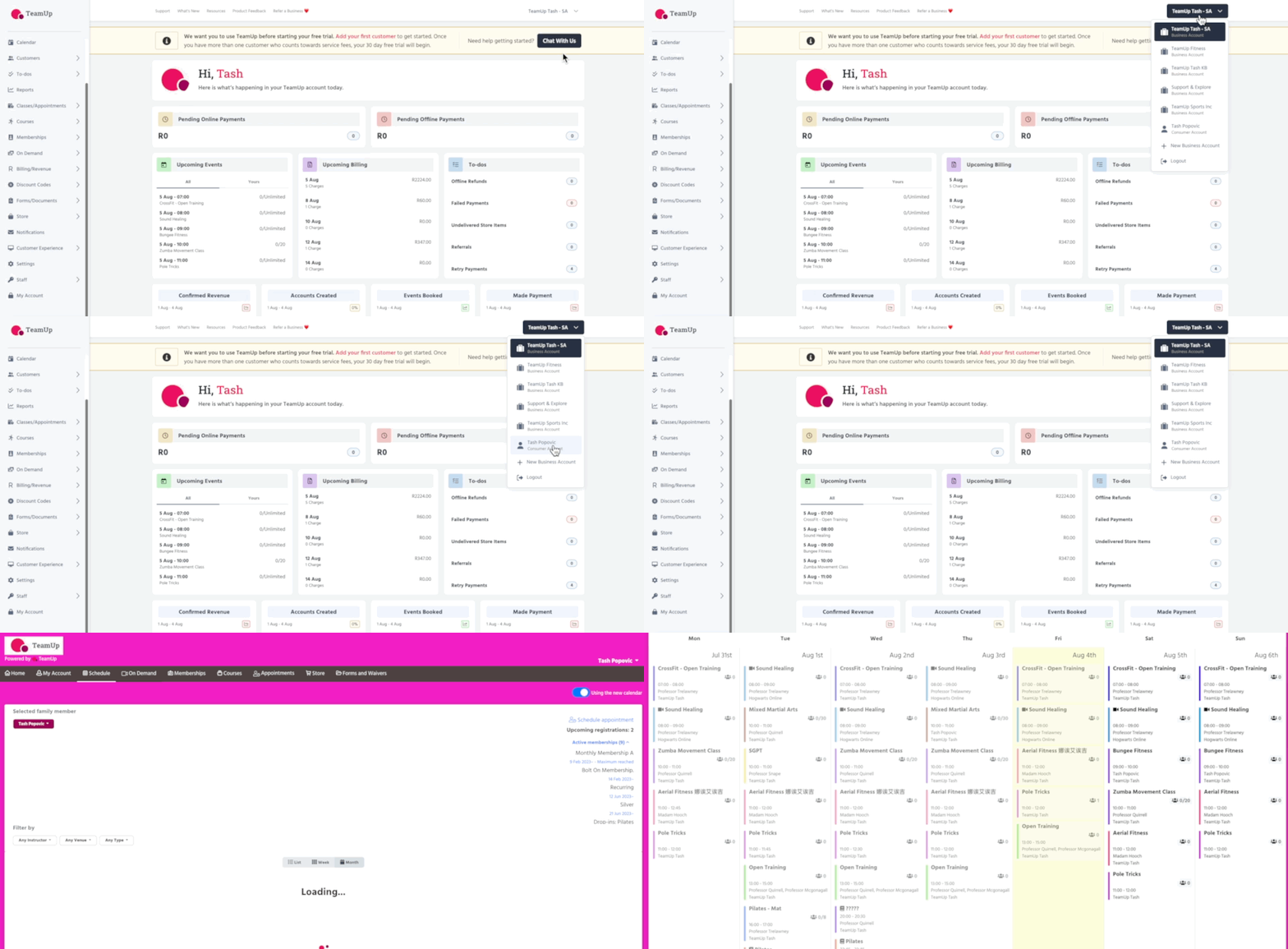
Switch from customer to business: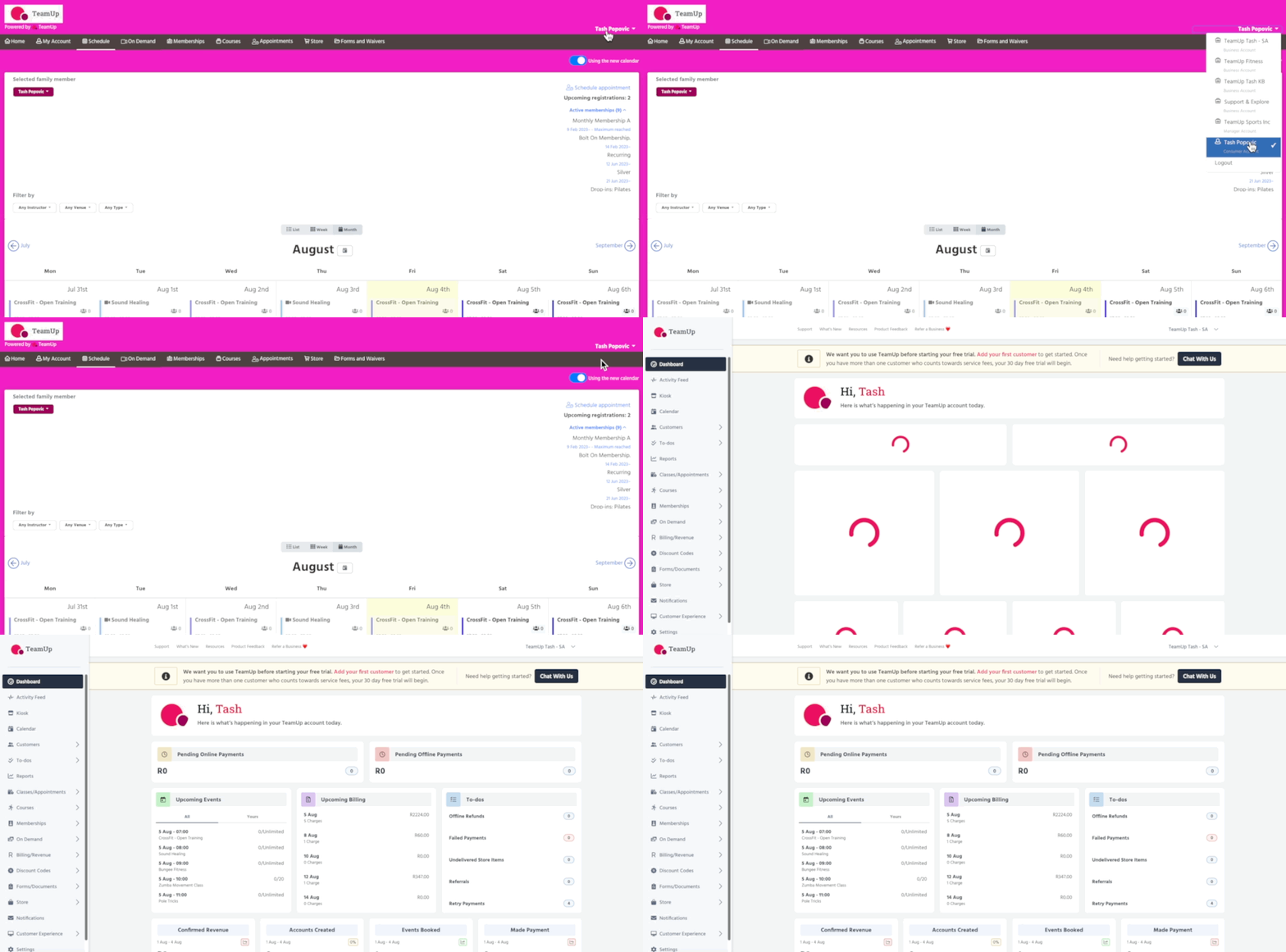
Jump to