![logo_with_wordmark-1.svg]](https://goteamup-8507288.hs-sites.com/hubfs/logo_with_wordmark-1.svg)
You can customise the emails that we send to your customers on your behalf so that they look and feel exactly like they are coming from your business.
🎥 Watch the tutorial
📕Read the tutorial
Head to Settings >> Email, where you can change the "from" name and "reply to" email for all notifications we send on your behalf.
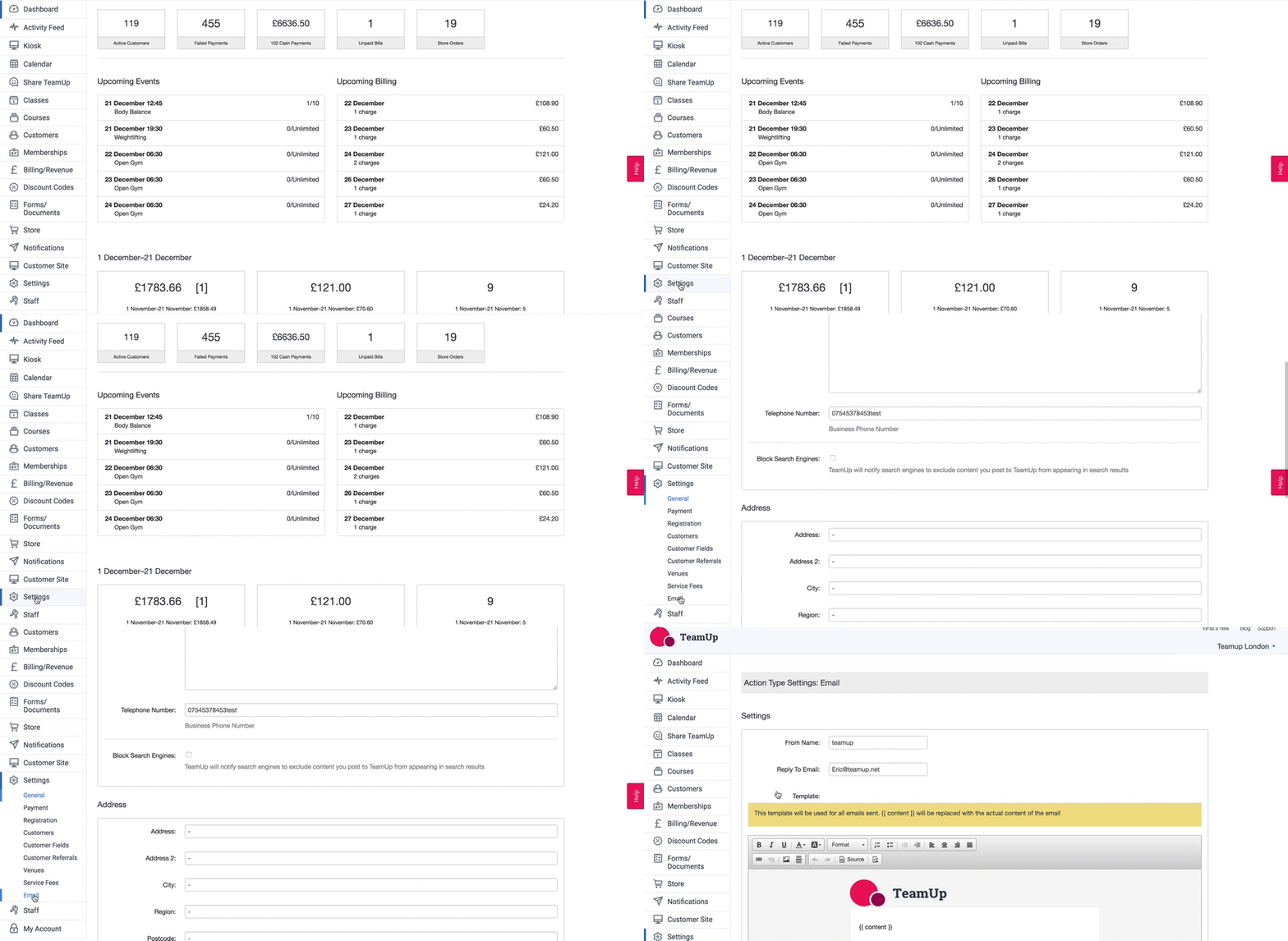
You can also add a template that will be used for all email notifications sent.
In the below example, an email signature has been added.
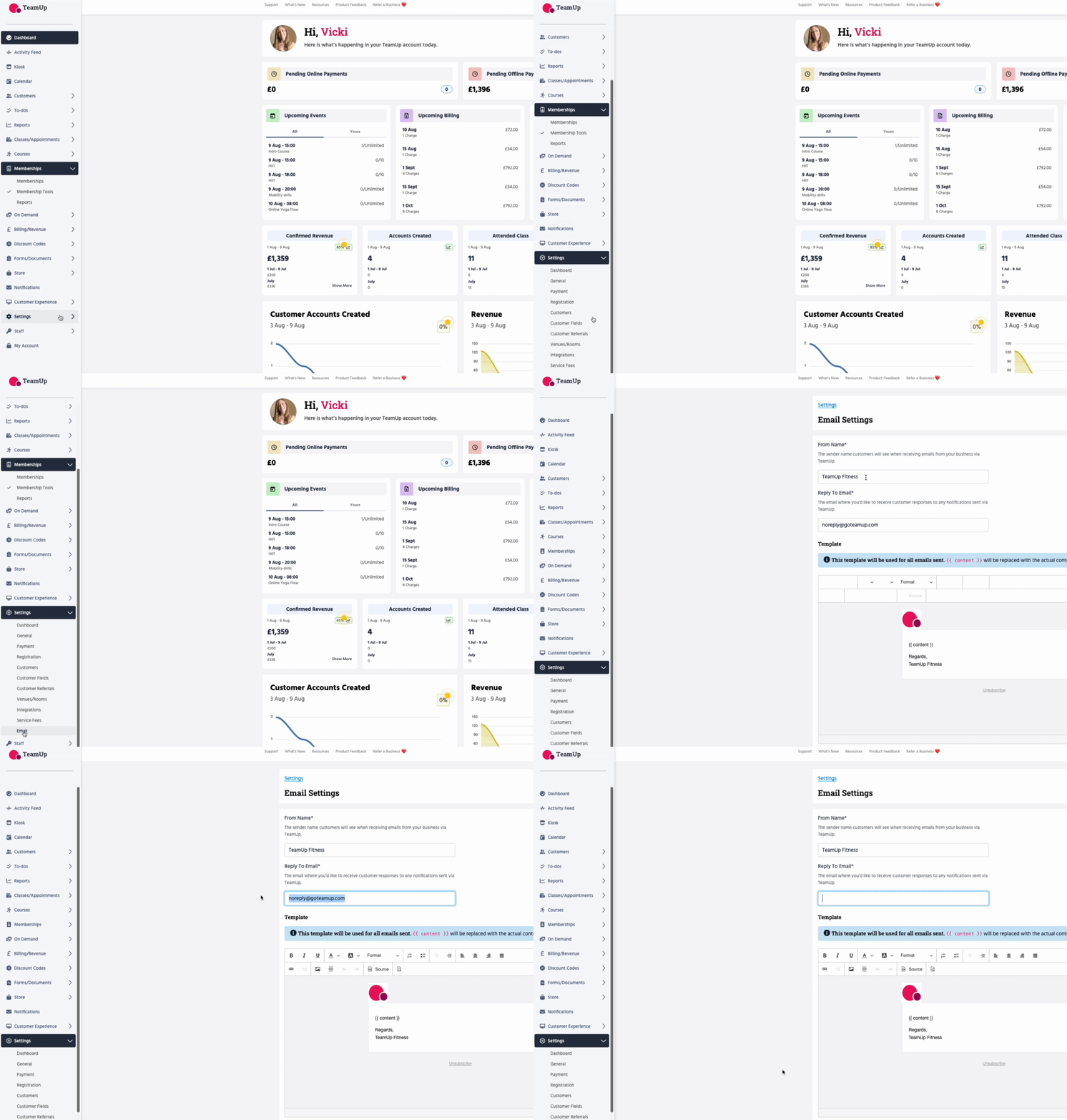
❗️The { { content } } placeholder will be replaced with the actual content of the email notification.
Head to Notifications in the menu to customise your notifications even further.